

Article

Learning Networking Made Simpler and More Efficient: Get to Know Cisco Packet Tracer


 By :
By : 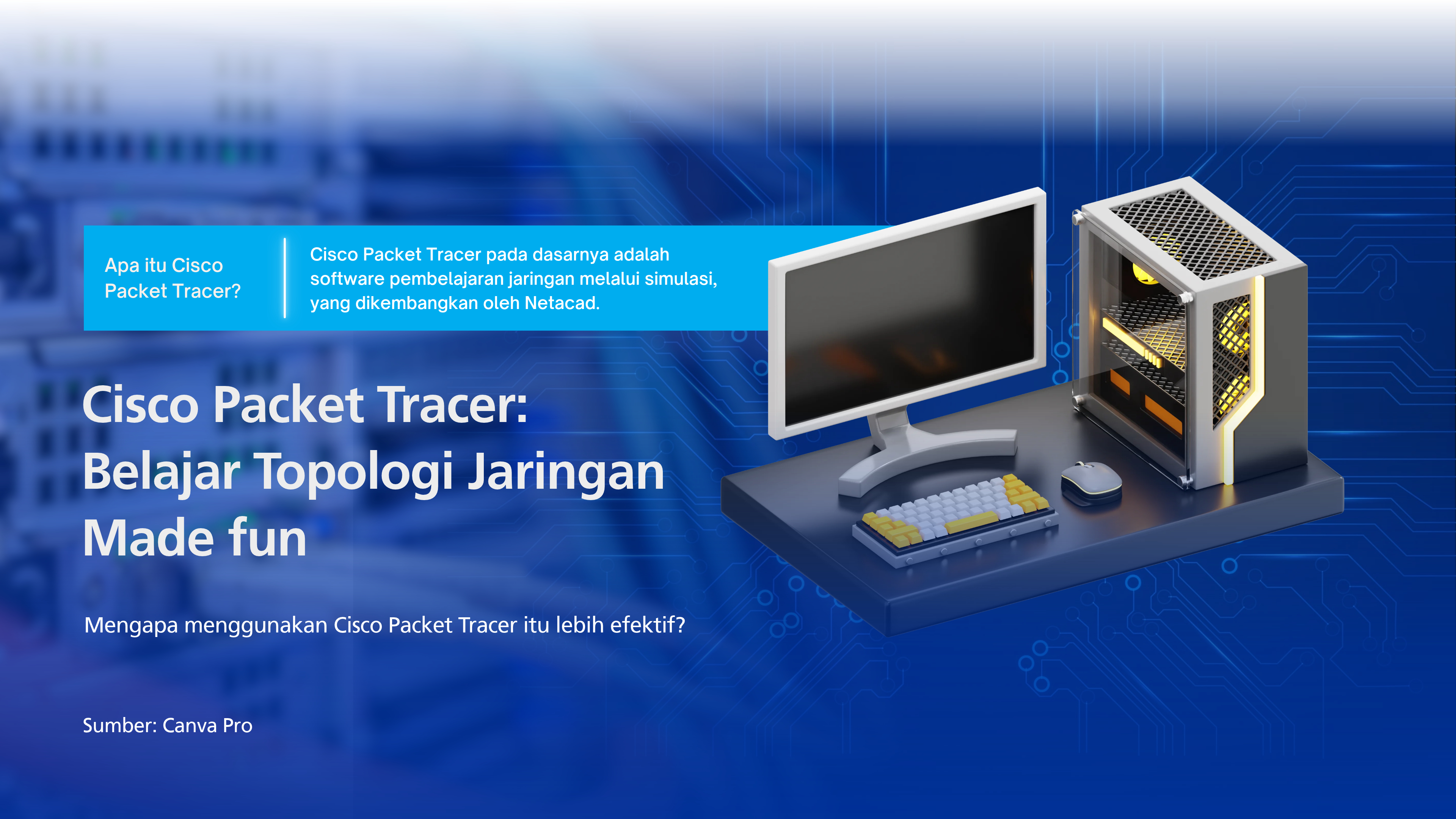
For Kawan UNDIRA who want to dive deeper into computer networking, you may have found yourself overwhelmed by the many concepts you need to remember, especially when it comes to putting them into practice. Building a real network can be expensive, and access to the necessary equipment is often limited. Fortunately, Cisco Packet Tracer offers a more convenient way to learn without the hassle. Curious to find out more? Let’s get to know this software.
Cisco Packet Tracer is essentially a network simulation software developed by Cisco Systems. It can be downloaded for free from the official Cisco Networking Academy (NetAcad) website after registering for an account. With Packet Tracer, you can learn to design network topologies, configure devices, and apply basic network security principles through visual simulations, all without needing physical equipment.
To get started with Cisco Packet Tracer, let’s first explore some of its basic features. At the top of the interface, you will find the main toolbar, which provides standard functions similar to those found in other software, such as New, Open, Save, and Print. On the right side of the screen, the Common Tools Bar offers tools such as Select, Inspect, Delete, and Add Simple PDU.
PDU (Protocol Data Unit) refers to a unit of data that you can send from one device to another to check whether a connection is working properly. Packet Tracer also includes features such as the IOS Command Log, which allows you to review the history of commands executed on a device.
The Device Menu is located in the bottom-left corner of the screen and contains various components for designing network topologies. It consists of six main categories: Network Devices, End Devices, Components, Connections, Miscellaneous, and Multiuser. Each category has its own subcategories. For example, Network Devices includes routers, switches, hubs, wireless devices, and security devices, while End Devices covers PCs, laptops, servers, and IoT devices. To use them, simply drag and drop the devices you need into the workspace.

The workspace serves as the canvas where you build your network, and it is where you will spend most of your time learning. Packet Tracer offers two workspace views: Logical Workspace and Physical Workspace.
Logical Workspace gives you the freedom to design network topologies without worrying about physical scale or spatial arrangements. Think of it as a blank canvas where you can bring your ideas to life without unnecessary restrictions. Physical Workspace, on the other hand, requires a more structured approach to network design to create a more realistic simulation. It includes city maps, buildings, rooms, and equipment racks. In this view, physical distances also come into play. For example, UTP cables have a maximum recommended length of 100 meters. If the distance between devices exceeds this limit, the connection will not be established.
Packet Tracer also offers two operating modes. Realtime Mode runs the network as it would under normal operating conditions. Simulation Mode, on the other hand, allows you to observe how individual data packets travel through the network step by step, including the protocols involved. This mode is particularly useful for understanding how networks work and identifying the source of potential problems.

Once you have finished designing your network, you can configure each device. Simply click on the device you want to configure, and a settings window with several tabs will appear. The Physical tab allows you to install modules, Config provides basic settings such as IP addresses, Desktop gives you access to applications such as Command Prompt, and Programming lets you create scripts. Routers and switches also include a CLI tab, where you can enter Cisco IOS commands.

Cisco Packet Tracer makes learning networking more interactive while eliminating concerns about equipment costs and limited availability. However, it is important to remember that Packet Tracer remains a simulation that operates under relatively ideal conditions. Some skills still require hands-on practice, including crimping UTP cables, testing connections with a LAN tester, accessing devices through a console cable, and troubleshooting physical issues such as damaged cables, faulty ports, or signal interference.
Interested in building a strong foundation in computer networking and information technology? Start your journey by exploring the Network Engineering concentration in the Informatics Study Program at Universitas Dian Nusantara! At UNDIRA, you can explore the world of technology, from theory to hands-on practice, and prepare yourself to become a future IT professional.
Sources of Reference:
Cisco Networking Academy. Cisco Packet Tracer. netacad.com/cisco-packet-tracer.
Sekawan Media. Mengenal Cisco Packet Tracer sebagai Alat Simulasi Jaringan. sekawanmedia.co.id/blog/cisco-packet-tracer.
CertBros. Cisco Packet Tracer – Everything You Need to Know. YouTube. youtube.com/watch?v=qZB_biPOBwA.
Network Kings. Cisco Packet Tracer: A Detailed Guide. nwkings.com/what-is-a-cisco-packet-tracer.
(Ibu Bias Yulisa Geni - Danang Respati Wicaksono / UNDIRA)
Press Contact :
Biro Humas & Sekretariat Universitas Dian Nusantara
Facebook : www.facebook.com/undiraofficial
Instagram : www.instagram.com/undiraofficial
Twitter : www.twitter.com/undiraofficial
www.undira.ac.id
Other

Integrating Javanese Culture in Building a Professional Image: UNDIRA Communication Studies Promotes Character Development Through Table Manner
Read more.jpg)
Recognizing Oneself in the Pursuit of Knowledge: Self-Awareness in Learning Processes
Read more
Students Community Care: UNDIRA Informatics Engineering Conducts Awareness Campaign for Elementary School Students
Read more
Campus Tanjung Duren
Jln. Tanjung Duren Barat II No. 1
Grogol, Jakarta Barat. 11470
Campus Green Ville
JIn. Mangga XIV No. 3
Campus Kranggan
Jln. Raya Kranggan, No.6,
Jatiraden, Kec. Jatisampurna, Bekasi. 17432


